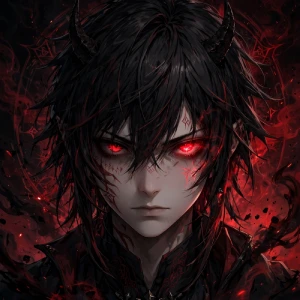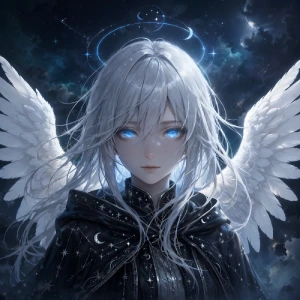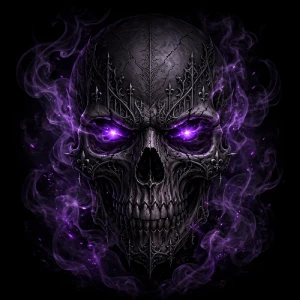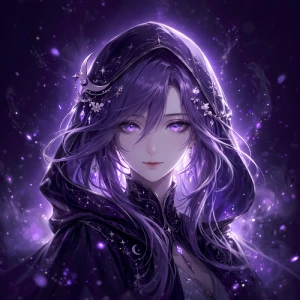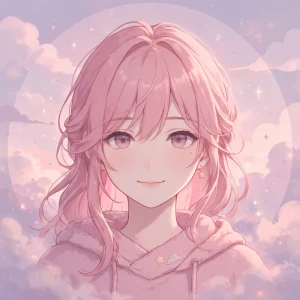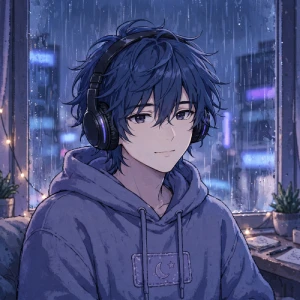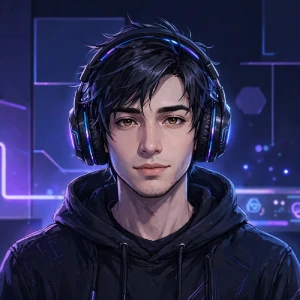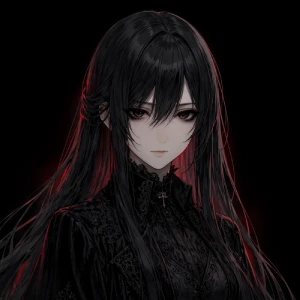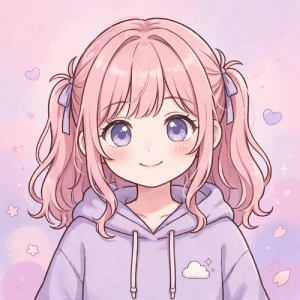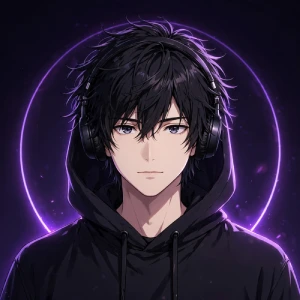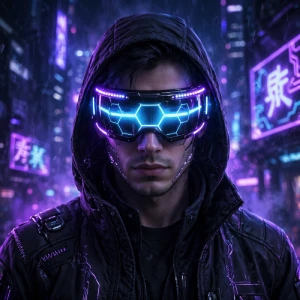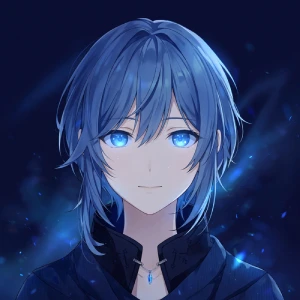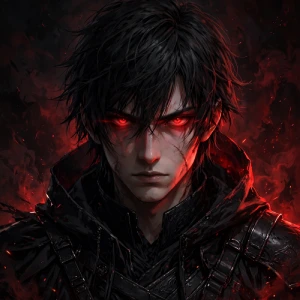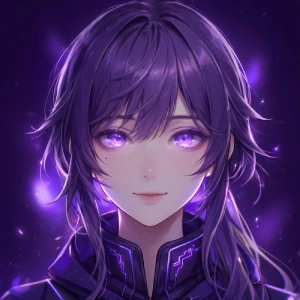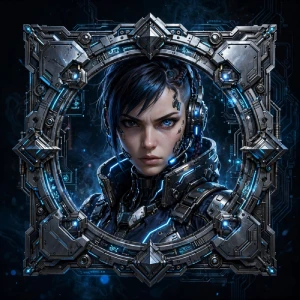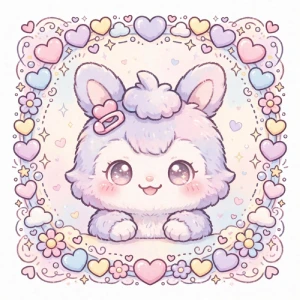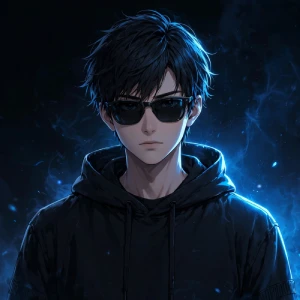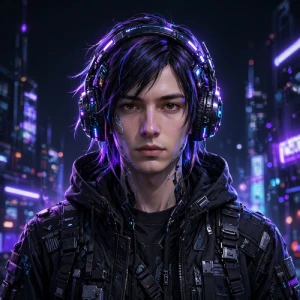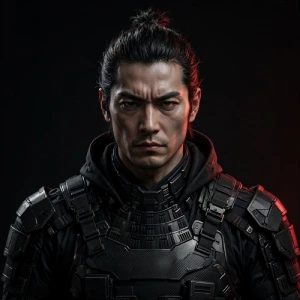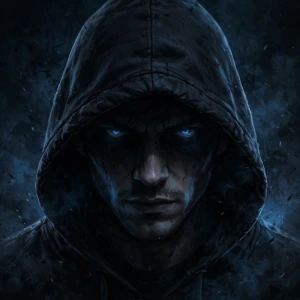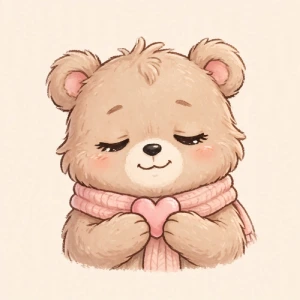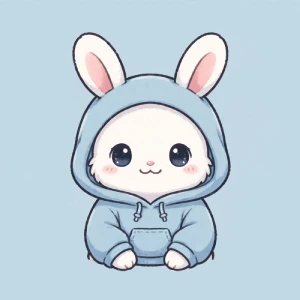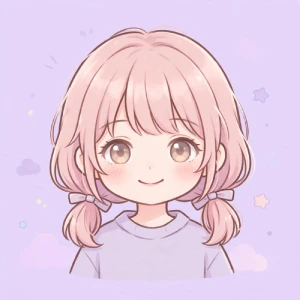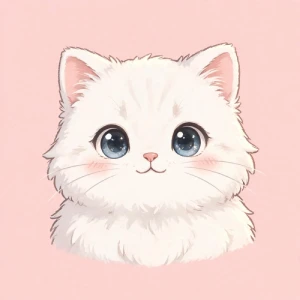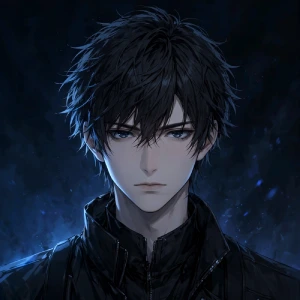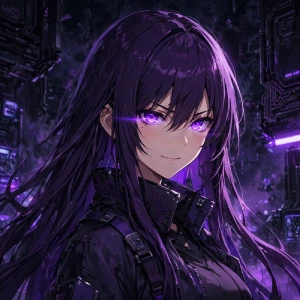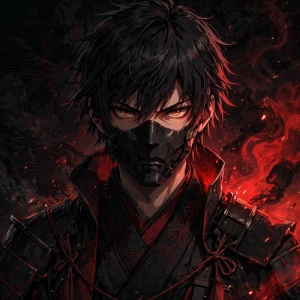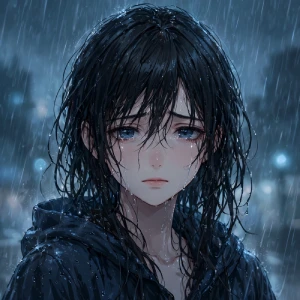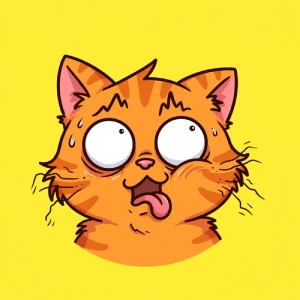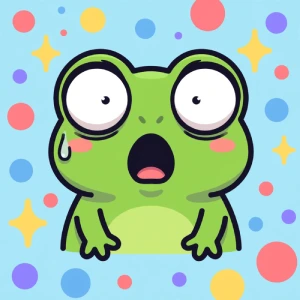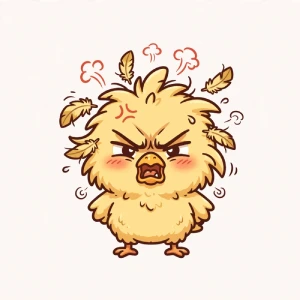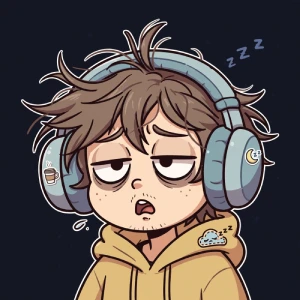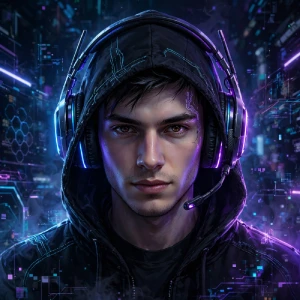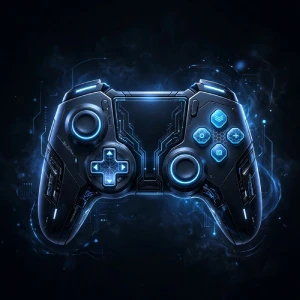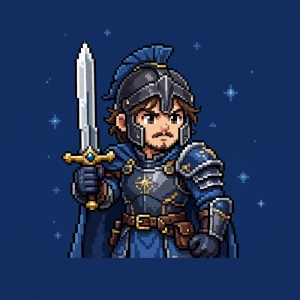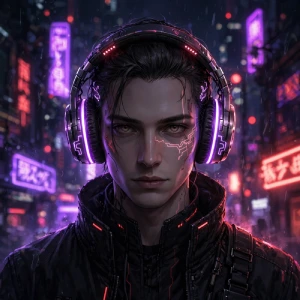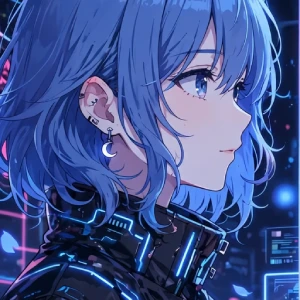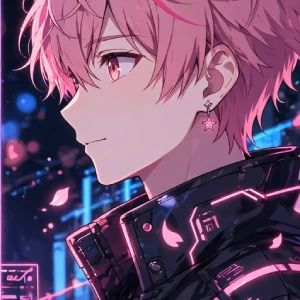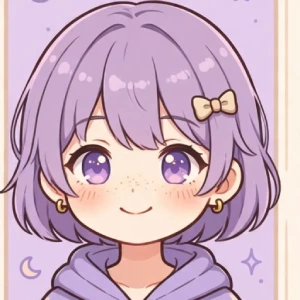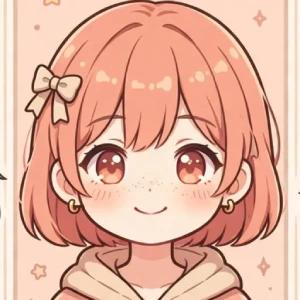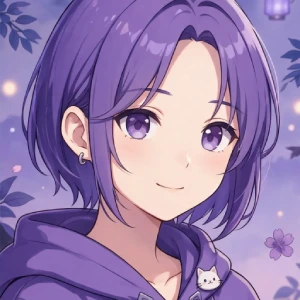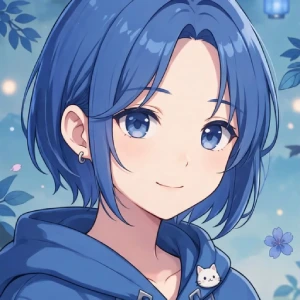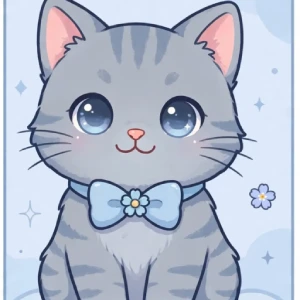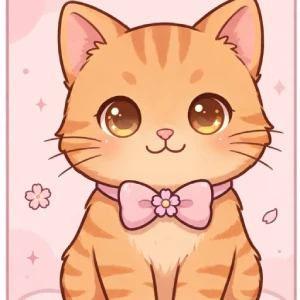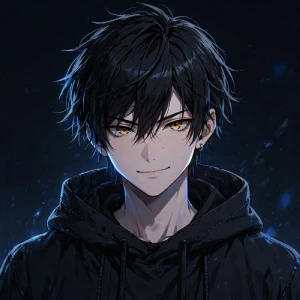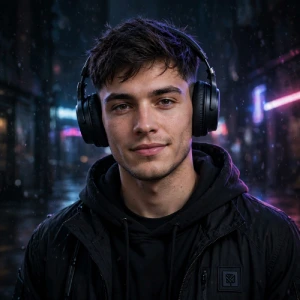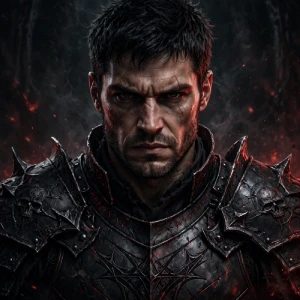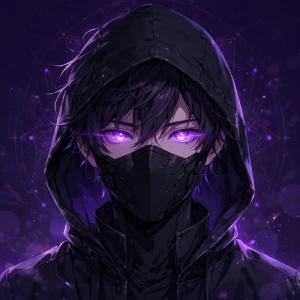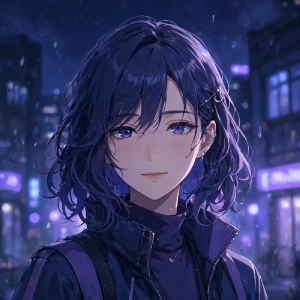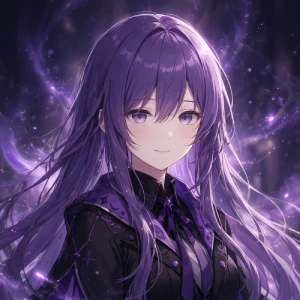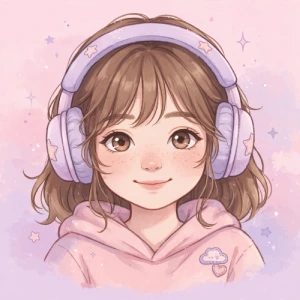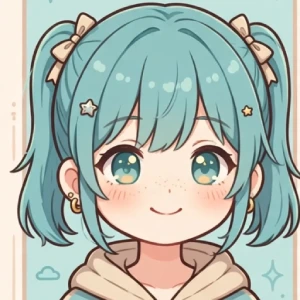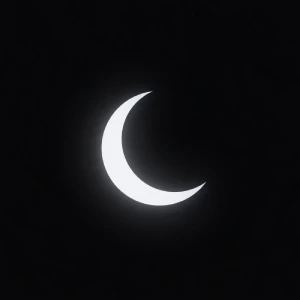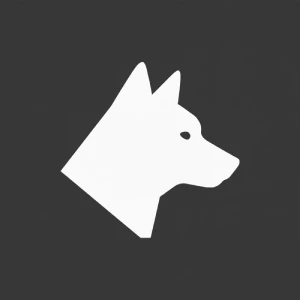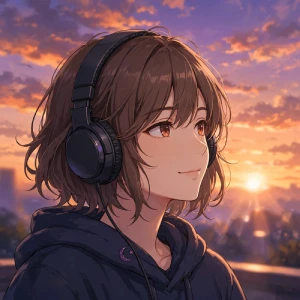
I have changed my Discord PFP more times than I can remember. Sometimes I want something simple. Other times, I want an anime character, a dark picture, or something that matches the rest of my profile.
And finding the right one is not always easy.
There are thousands of profile pictures online, but many of them look different once they appear as a small Discord avatar. A picture that looks great in full size can lose its important details when it is reduced to a small circle.
That is why I put together these Discord PFP ideas. I have included cool, cute, anime, aesthetic, dark, funny, gaming, minimalist, and matching PFP ideas. I have also covered the basic size requirements and a few things I check before using an image as my Discord avatar.
If you are looking for a new profile picture, start with the ideas below.
PFP means profile picture. On Discord, it is also commonly called an avatar.
It is the image connected to your account. Other people can see it next to your messages, in DMs, member lists, and on your profile.
Discord also offers other profile customization features, including profile banners, profile effects, avatar decorations, and per-server profiles. But your PFP is still one of the first things people notice when they see your account.
I usually choose mine based on the type of profile I want at that moment. Sometimes a simple icon is enough. Other times, I prefer an anime or gaming character.
If I am choosing a new PFP, I normally start with the style I want.
For example, if I want a dark profile, I might search for dark anime artwork. If I want something simple, I might look for a minimalist icon instead.
Then I check the image at a smaller size.
This step is easy to skip, but I think it matters.
An image can look great when it fills your screen and still look terrible as a Discord avatar. Faces can become too small, backgrounds can become messy, and small details can disappear.
I also look at the contrast. If the subject blends into the background, I keep looking.
And I make sure I actually like the image. There is no reason to use a popular PFP if it does not fit your style.
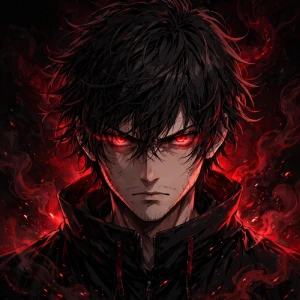
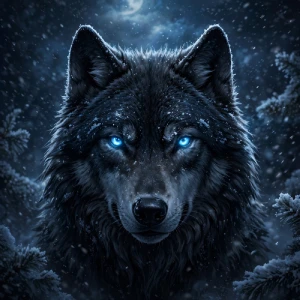
A cool PFP does not have to be complicated. In many cases, a simple character portrait looks better than an image with too many details.
When choosing a cool Discord PFP, I would focus on the face or main subject. It should still be easy to recognize when the image becomes small.
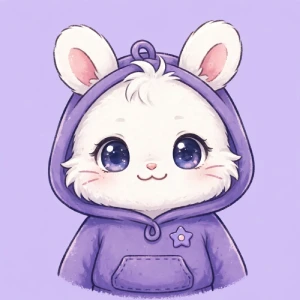
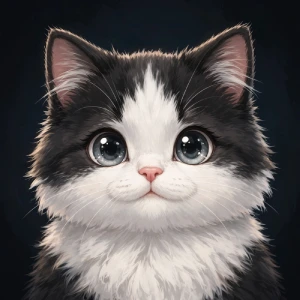
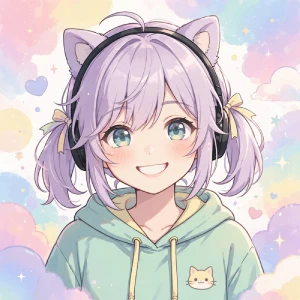
You do not need a serious or dark avatar. Cute PFPs can make a profile feel much more relaxed.
A simple background usually works well with this style. Too many colors or objects can make a small avatar difficult to understand.
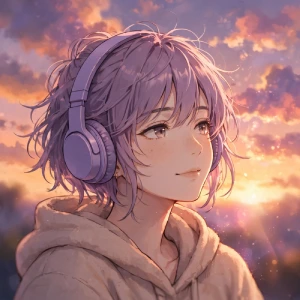
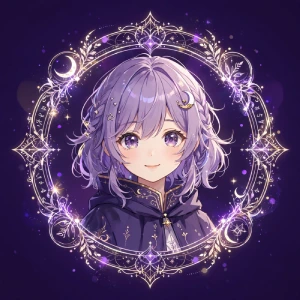
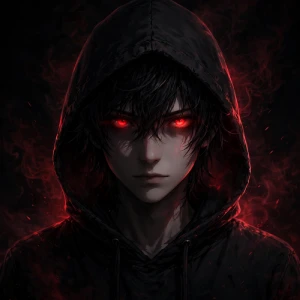
If you are using an Anime PFP I recommend keeping the face fairly large. Small facial details can disappear when Discord displays the avatar.
Also, if you are using artwork created by another person, check the creator’s usage rules before downloading or publishing it.
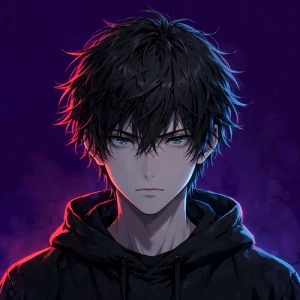
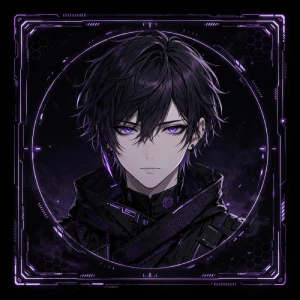
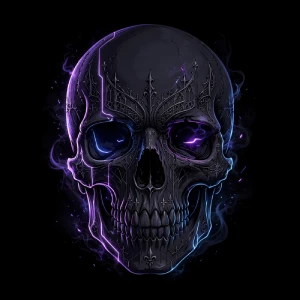
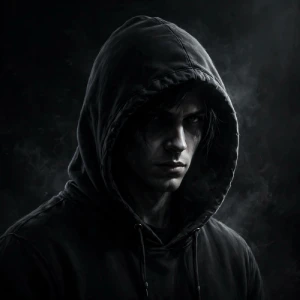
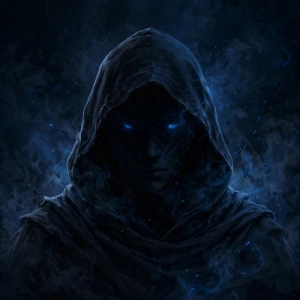
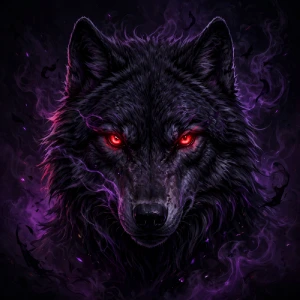
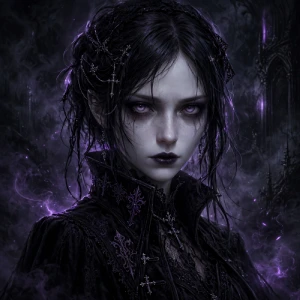
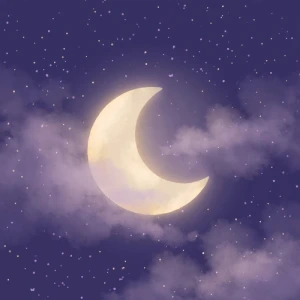
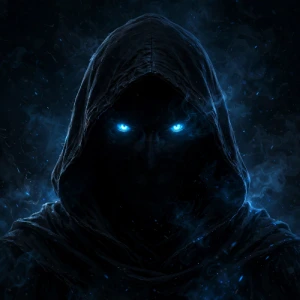
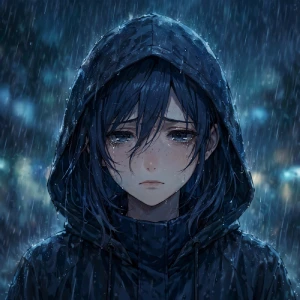
Dark PFPs work well when the design has a clear subject and strong contrast.
You can use black, dark purple, deep blue, gray, or other darker colors.
One mistake I see often is making the entire image almost black. It may look good in full size, but the main character can disappear when used as a small avatar.
A little contrast can make a big difference.
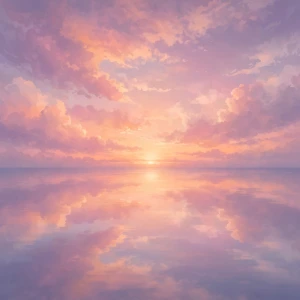
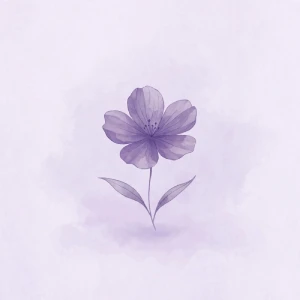
The word ‘aesthetic’ can mean different things to different people. You do not have to follow one specific style.
If you want your Discord profile to look consistent, try using colors that match your banner or other profile elements.
Not everyone wants a serious profile. A funny PFP can be a simple way to make your friends laugh.
For funny PFPs, the expression should be easy to understand. If people need to zoom in to see the joke, it probably is not going to work as well.
Discord is closely connected with gaming, so gaming avatars are another common choice.
If you use a game character or logo, remember that the artwork may belong to the game’s developer or another creator. This matters even more if you are publishing the image on a website.
Matching PFPs are a good choice for couples, best friends, or groups.
You can use two separate images that share the same design or create two parts of one image.
I prefer matching PFPs that still look good individually. People will usually see each avatar separately, so each one should make sense on its own.
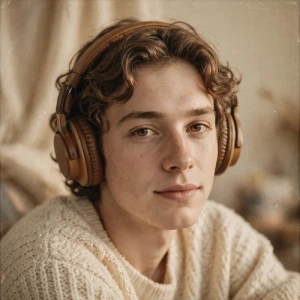
There is no fixed type of PFP that every boy should use. Pick a style that actually fits you.
The same applies here. You can choose whatever style you like.
Sometimes the simplest PFP looks the best.
Minimal PFPs are also easy to recognize because there is less happening in the image.
You can also choose a PFP based on how you want your profile to feel.
If you are creating your own Discord avatar, start with a square image.
I recommend using a **512 × 512 pixel** canvas when designing a PFP. It gives you enough room to work while keeping the image suitable for an avatar.
The resolution is only one part of the design. You also need to think about how the image will look when it becomes small.
Keep the main subject close to the center. Avoid putting important details near the edges because the avatar is displayed in a circular shape.
Discord’s current documentation confirms that users can upload their own avatars and that PNG and GIF files are supported. Nitro users can also use animated GIF avatars.
For per-server avatars, Discord currently supports JPG, PNG, and GIF files and lists an 8 MB maximum file size.
A good PFP does not need to be complicated.
Here are the things I check before using one.
Can you recognize the main subject?
Look at the image when it is small.
If you can still recognize the character, face, animal, or symbol, that is a good sign.
Is the subject centered?
Keep important details away from the edges.
This is especially important for faces. You do not want part of the face to disappear because of the circular presentation.
Is there enough contrast?
A dark character on a slightly lighter background can work better than a black character on a completely black background.
Is the background too busy?
A busy background can make the PFP difficult to understand.
If the main subject gets lost, simplify the background.
Does it match your profile?
Your PFP does not have to match your banner exactly. But using similar colors can make the whole profile feel more consistent.
Yes.
Discord currently allows Nitro subscribers to use animated GIFs as profile avatars.
Some animated PFP ideas include:
I would keep the animation simple. Too much movement can make the avatar distracting, especially when it is displayed next to messages.
A regular Discord PFP is connected to your main profile.
A server avatar can be different for a particular Discord server.
This is useful if you are part of different communities and want your profile to fit each one.
For example, you could use a gaming PFP in a gaming server and an anime PFP in an anime community.
Discord says Nitro users can create per-server profiles with custom server avatars.
Using too much text
Small text is difficult to read.
If you want to use initials or a username, keep the text large and simple.
Putting the face too close to the edge
Leave some space around the main subject.
Using a very detailed scene
A detailed landscape may look great as a wallpaper, but it may not work well as an avatar.
Poor contrast
If the subject and background have similar colors, the main subject can disappear.
Using someone else’s artwork without permission
Finding an image on Google, Pinterest, Reddit, or another website does not automatically mean you can reuse it.
If you are using a PFP only for your personal Discord account, that is different from downloading artwork and publishing it on your own website.
If you are creating a collection of PFPs for a website, use artwork you created yourself, commissioned artwork, or images with a license that allows your intended use.
This is especially important with anime characters, game characters, celebrities, and artwork made by independent artists.
Choosing a Discord PFP does not need to be difficult.
Start with the style you actually like. If you spend most of your time gaming, a gaming avatar may make sense. If you like anime, choose an anime character. If you prefer simple profiles, a minimalist icon may work better than a detailed illustration.
I also recommend checking the image at a small size before making your final choice.
If you can still recognize the main subject without zooming in, the PFP is probably going to work well.
And if you change your mind later, that is fine too. You can always change your Discord PFP again.
The important thing is to choose something that feels like you, not simply the image that happens to be popular at the moment.
It depends on your style. Anime, dark, cute, aesthetic, gaming, funny, minimalist, and matching PFPs are all good options.
The original image may be low quality or heavily compressed. Starting with a higher-resolution square image can help.
Yes. Nitro users can use per-server profiles with custom server avatars.
Yes. Discord offers Avatar Decorations that can be applied around your avatar.