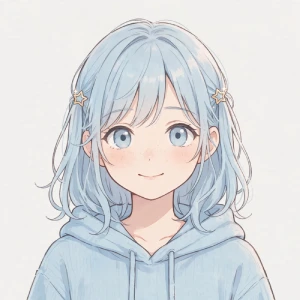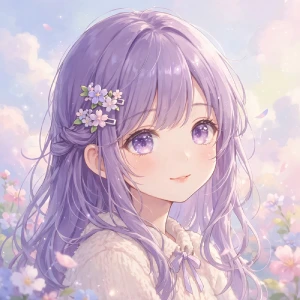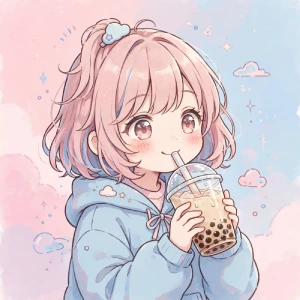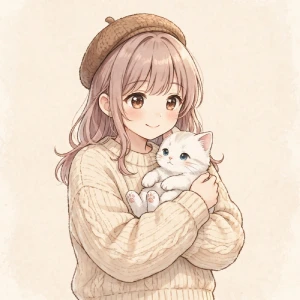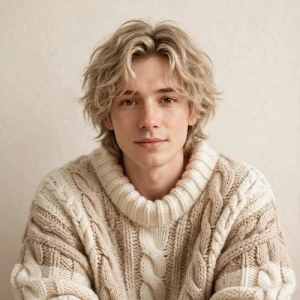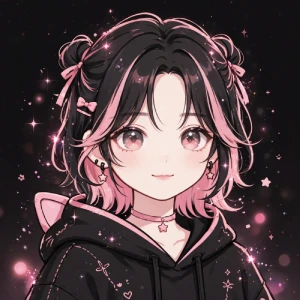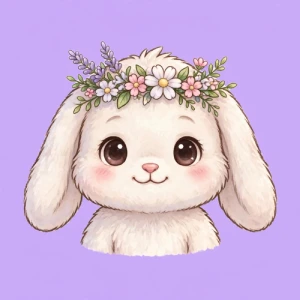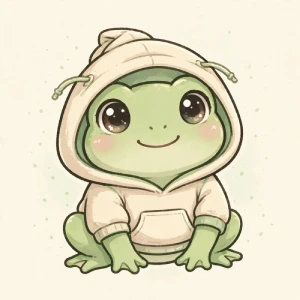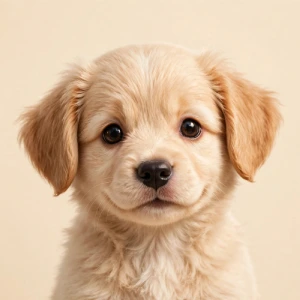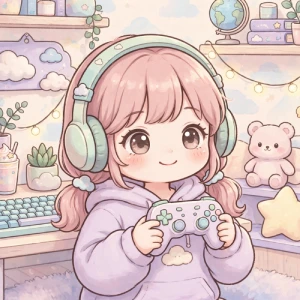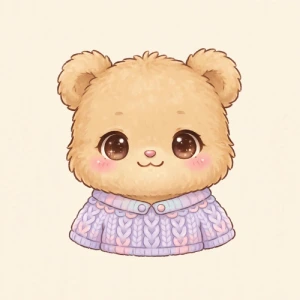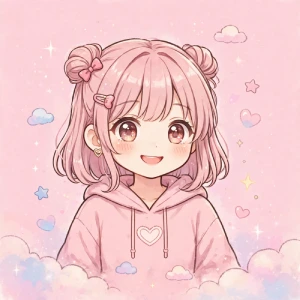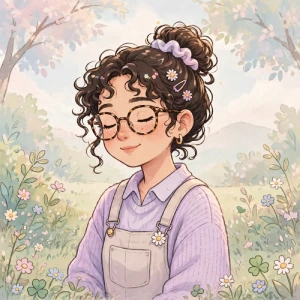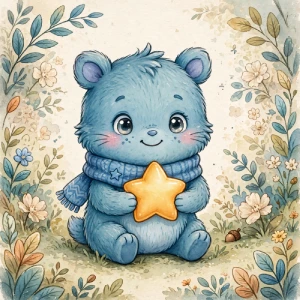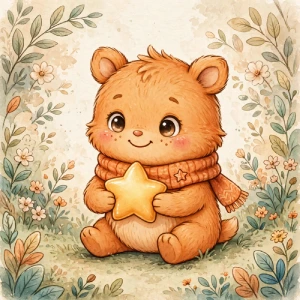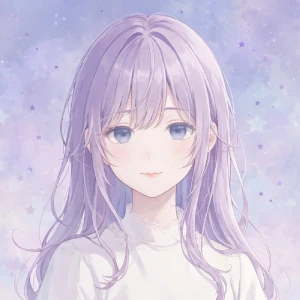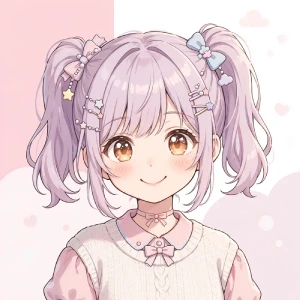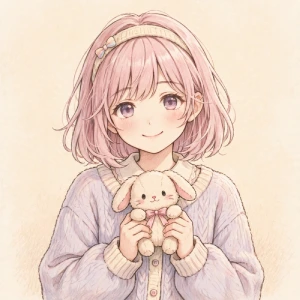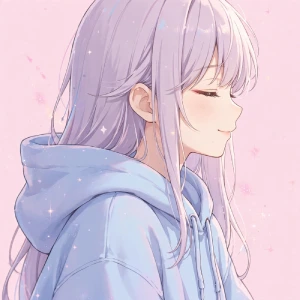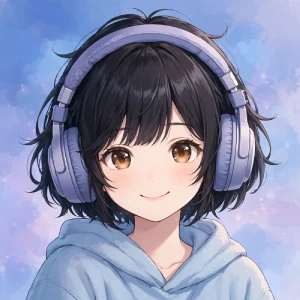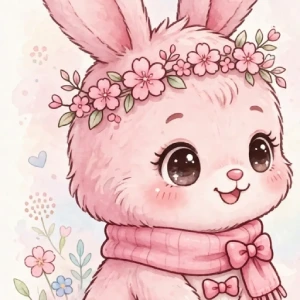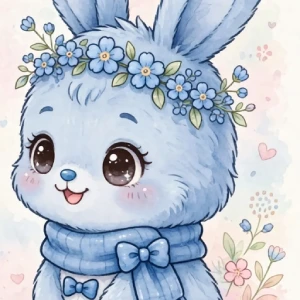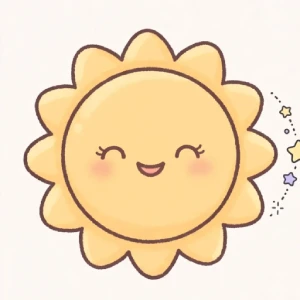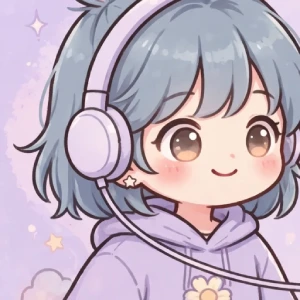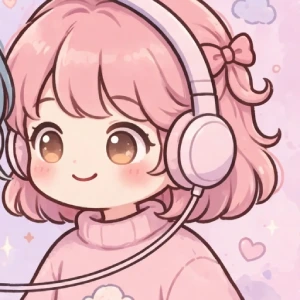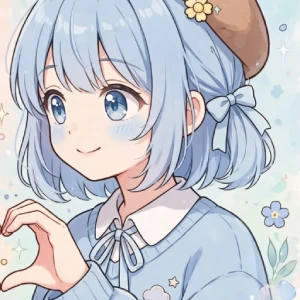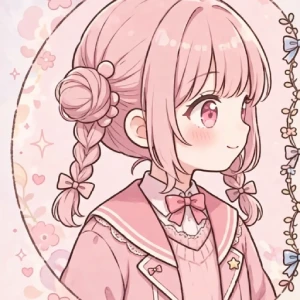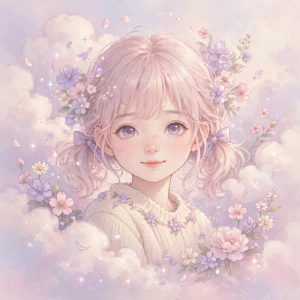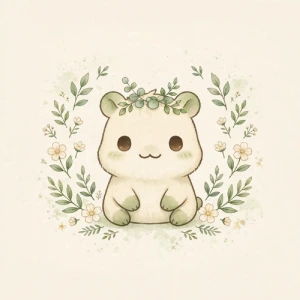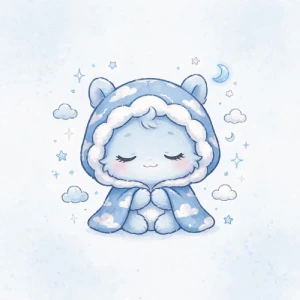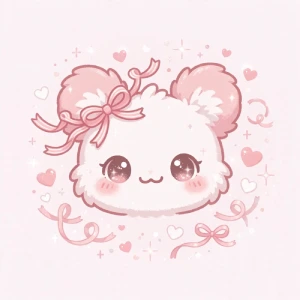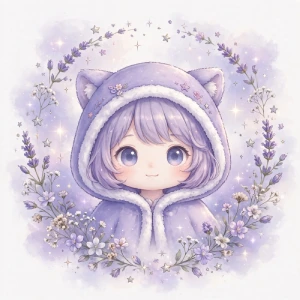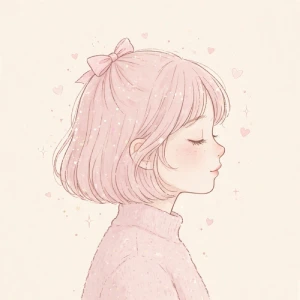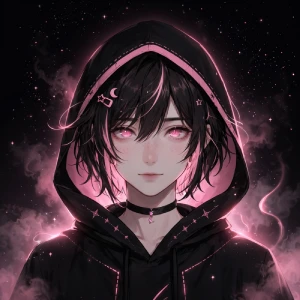
A cute PFP can make your profile feel more personal without requiring a complicated design. You can use a cute anime girl, cat, pastel character, cartoon, or matching image depending on your platform and style.
I started looking more closely at cute PFP searches after seeing how often people were searching for profile picture ideas and asking about making their own. Search interest is especially strong around cute anime girl PFPs, cute cat PFPs, matching PFPs, and aesthetic profile pictures. I also looked at search data and user feedback to understand what people actually want when choosing a profile image.
This guide is for anyone looking for a cute profile picture for Discord, Instagram, TikTok, X, YouTube, gaming profiles, or other social platforms.
A cute PFP is a profile picture built around a soft, fun, friendly, or playful style. PFP simply means profile picture.
There is no single style you have to follow. A cute PFP can be:
The right choice depends on the style you want for your profile.
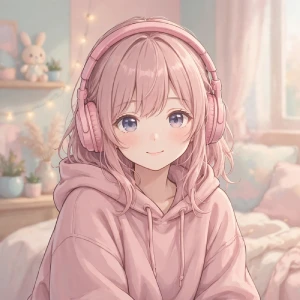
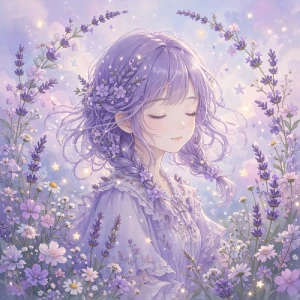
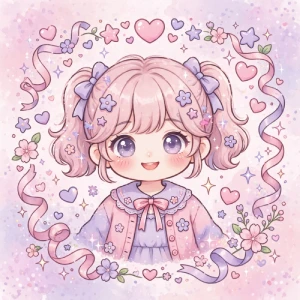
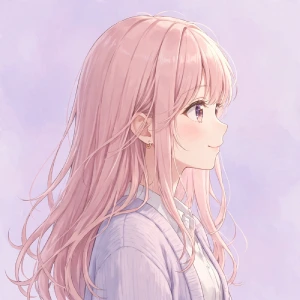
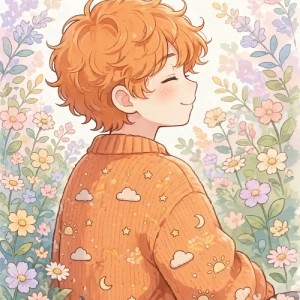
Cute anime girl PFPs are popular because anime artwork gives you many styles to choose from. You can pick a character based on hairstyle, outfit, expression, colors, or overall art style.
If you want an anime PFP, choose an image that stays clear when displayed as a small circle. Large details can disappear when the image is reduced.
Look for:
You can also create a custom anime-style PFP instead of using an existing character. This gives you more control over the hair, clothing, colors, expression, and background.
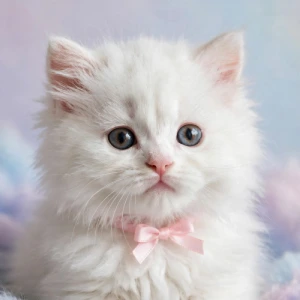
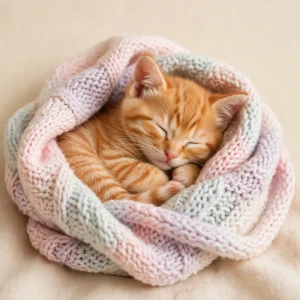
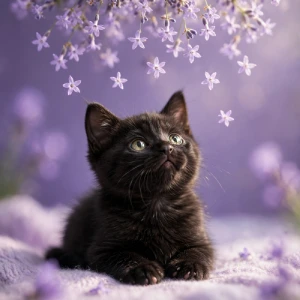
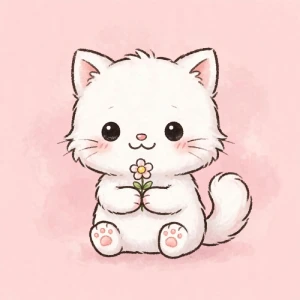
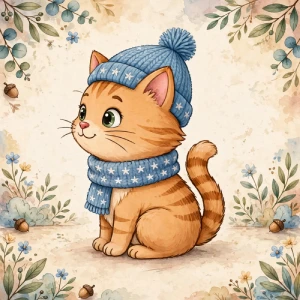
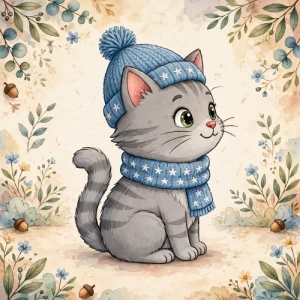
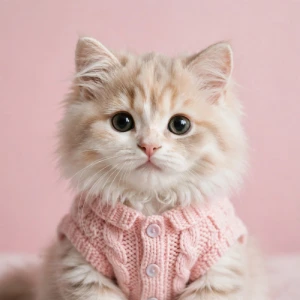
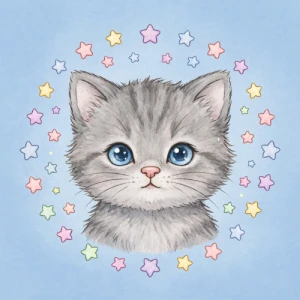
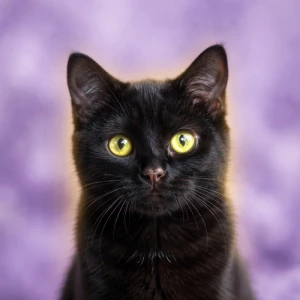
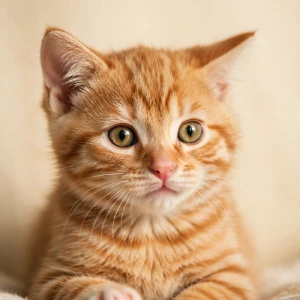
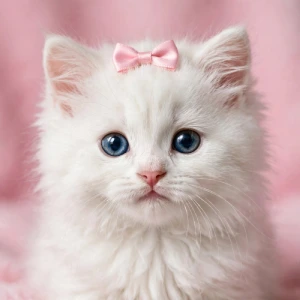
A cute cat PFP works well if you want something simple and easy to recognize. You can use a real cat photo, illustrated cat, cartoon cat, or custom cat avatar.
For a cat photo, crop around the face instead of showing too much of the background. For an illustrated cat, choose a design with clear features and a simple background.
You can also match the cat’s colors with your profile theme. For example:
Matching PFPs are designed for two or more people who want connected profile pictures. Friends, couples, siblings, and gaming partners commonly use them.
The easiest way to create matching PFPs is to use two images that share:
The images do not need to be identical. You can use two characters facing each other or create two images that form one visual when placed side by side.
If you use matching PFPs on Discord or another platform, check how both images look on desktop and mobile. Small details can become difficult to see on smaller screens.
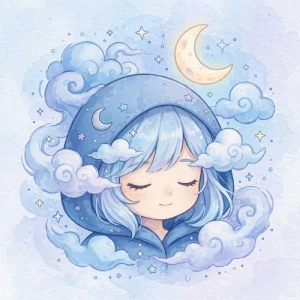
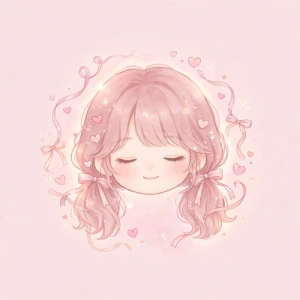
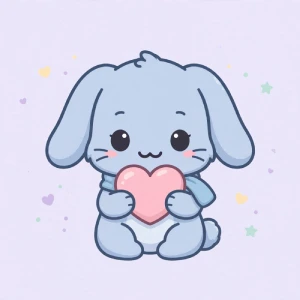
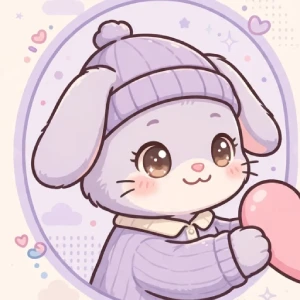
Aesthetic PFPs usually focus on a consistent visual style. Common choices include pastel colors, soft lighting, minimal illustrations, pink themes, lavender backgrounds, and simple character portraits.
You do not need a complicated design to create an aesthetic PFP.
Start with one main color and one supporting color. Some combinations include:
Keep the background simple so the main subject remains visible when the PFP appears as a small icon.
You can make a cute PFP from an existing image or create one from scratch.
Start by choosing your preferred style. Then select the character or subject you want to use. Crop the image into a square and keep the main subject near the center.
If you use a PFP maker, you can usually customize elements such as:
Before downloading your final image, check it at a small size. A PFP can look good as a large image but become difficult to recognize after being uploaded to Discord, Instagram, or another platform.
Cute profile pictures can work across many social and online platforms, including:
Each platform displays profile pictures differently. A design that works well as a Discord avatar may need a different crop on another platform.
For that reason, keep the important part of your image near the center and avoid placing important details close to the edges.
A cute PFP usually has a clear subject, simple composition, friendly expression, and colors that fit the chosen style. Anime characters, cats, cartoons, and pastel illustrations are common choices.
Yes, for personal use.
A square image is the safest choice for most platforms. A high-resolution square image gives you more flexibility when different platforms crop or resize your profile picture.
Of course.
You can create one with a free PFP maker, edit an existing image, or design a simple avatar from scratch. Start with a square canvas and keep the main subject centered.