Your profile picture is usually the first thing people notice when they visit your account.
It does not have to be a selfie. It does not even have to show your face.
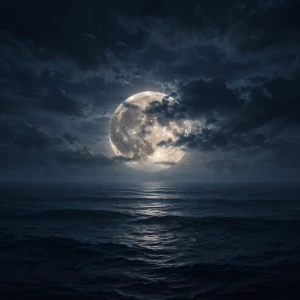
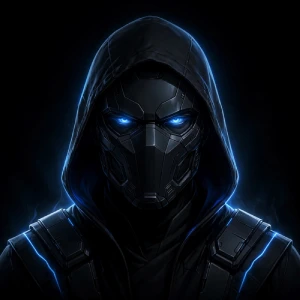
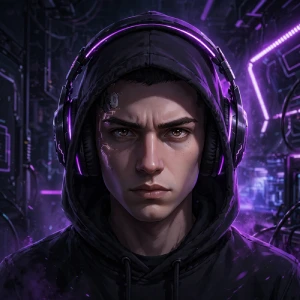
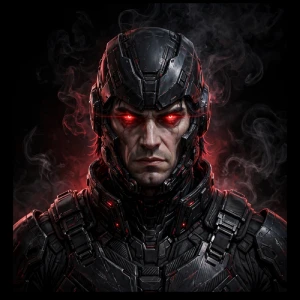
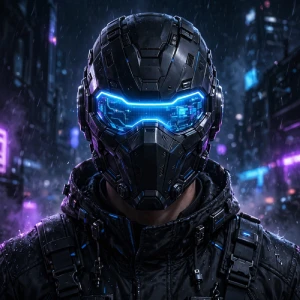
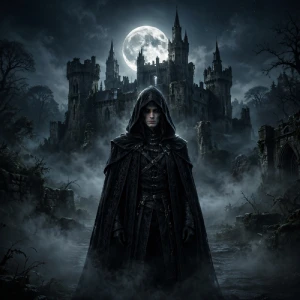
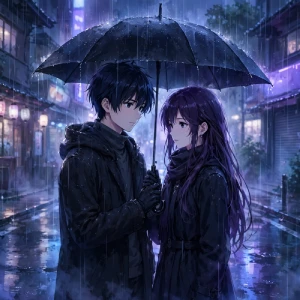
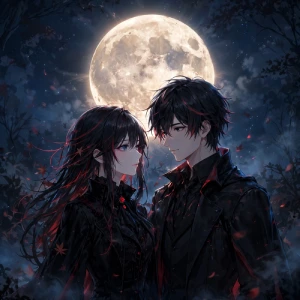
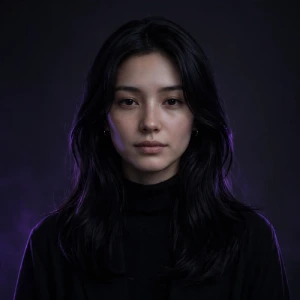
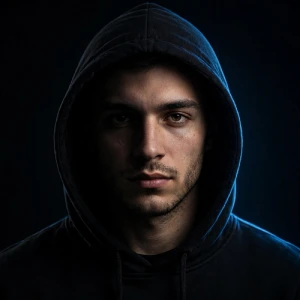
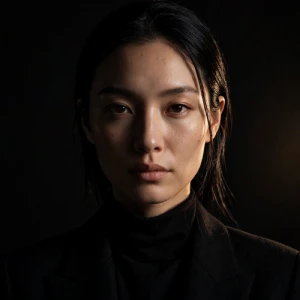
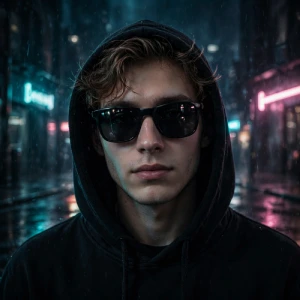
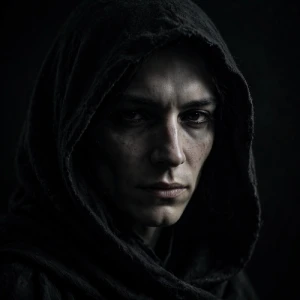
A dark PFP can give your profile a completely different look. Depending on the image you choose, it can feel mysterious, calm, serious, cute, gothic, artistic, or simply clean.
That is one reason dark profile pictures work across so many platforms. You can use one on Instagram, Discord, TikTok, WhatsApp, X, YouTube, gaming profiles, and other social accounts.
And there are more options than just a black background.
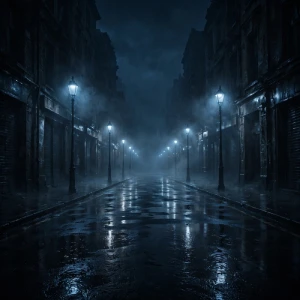
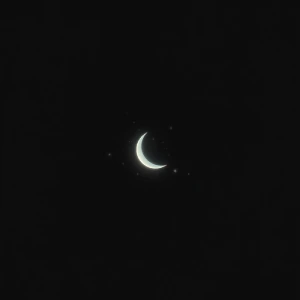
You can use a dark anime character, a black-and-white portrait, a shadowy figure, a black cat, a rainy city, a gothic design, a gaming avatar, or even a simple moon or symbol.
In this guide, I have collected different dark PFP ideas and explained what makes each style work. I have also included tips for choosing, creating, cropping, and using a dark profile picture without making it look too crowded.
PFP stands for profile picture.
A dark PFP is a profile picture that uses darker colors, shadows, low lighting, or a moody visual style.
The word “dark” does not automatically mean scary.
A dark profile picture can be:
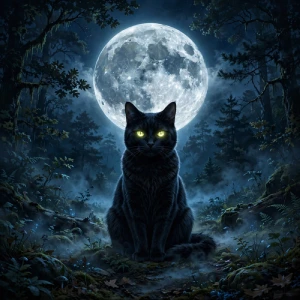
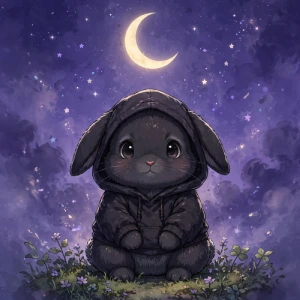
For example, a close-up portrait with half of the face covered by shadows can be a dark PFP. So can a black cat sitting under a full moon.
The subject matters, but the lighting and colors are just as important.
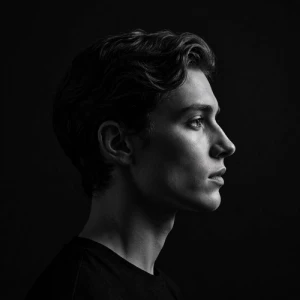
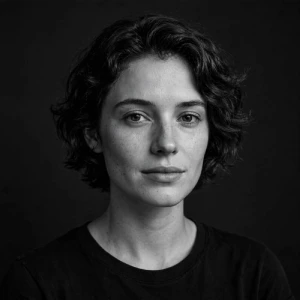
If you want a simple profile, a black-and-white image may be enough.
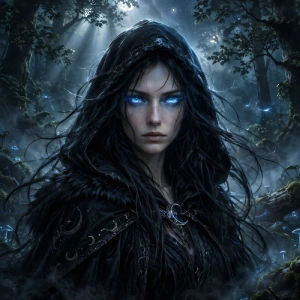
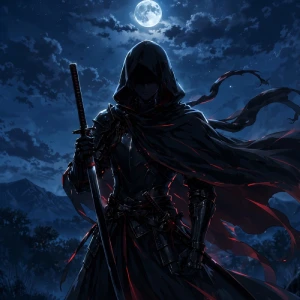
If you want something more dramatic, you could choose a dark anime character or fantasy warrior.
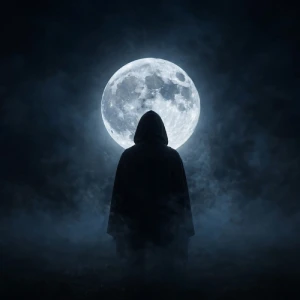
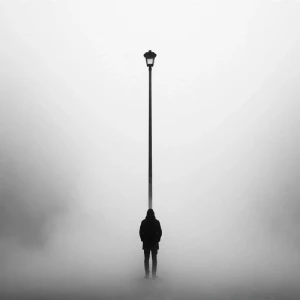
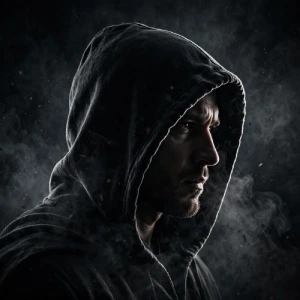
And if you want your profile to feel mysterious, a silhouette can sometimes work better than a detailed portrait.
For some users, it is simply an aesthetic preference. Dark colors can make a profile feel cleaner and more consistent, especially when the rest of the account already uses a darker theme.
For others, a dark PFP gives them a way to express themselves without using a real photograph.
You may not want to upload your face as your profile picture. That’s completely fine. An illustration, character, animal, or landscape can represent your account instead.
Dark PFPs are also easy to personalize.
You can start with a normal image and change the lighting. You can turn a color portrait into black and white. You can add a dark background or use a single accent color such as red, blue, or purple.
I personally think simplicity is one of the biggest reasons this style works.
A profile picture is usually tiny. You do not have much space to tell a visual story.
A face partly hidden in shadow can sometimes look more interesting than an image packed with characters, text, effects, and backgrounds.
There are many different directions you can take with a dark profile picture.
The right choice depends on your personality, the platform you use, and the overall look of your profile.
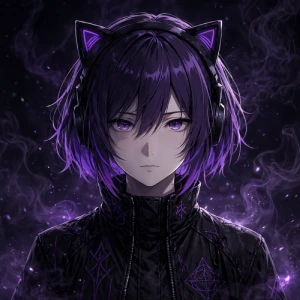
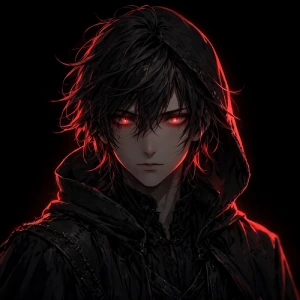
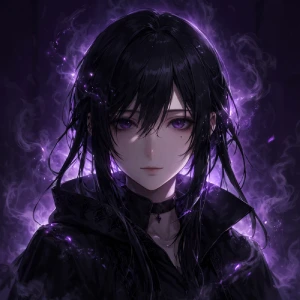
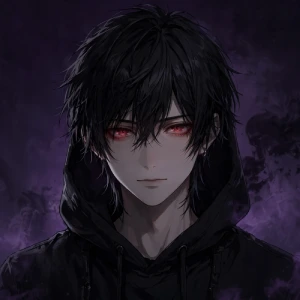
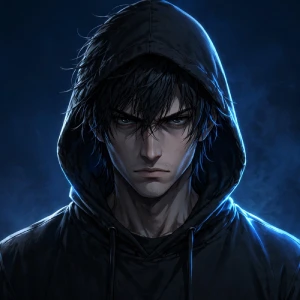
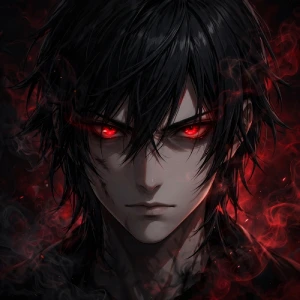
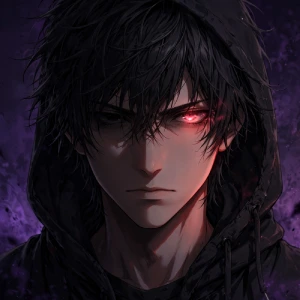
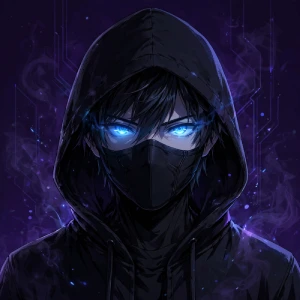
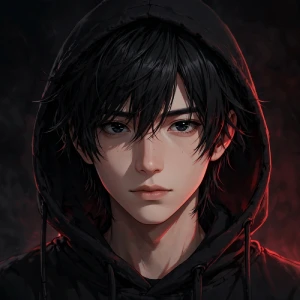
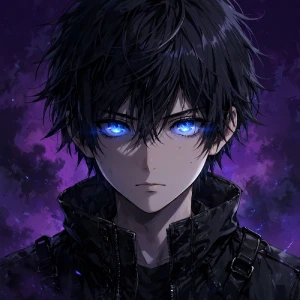
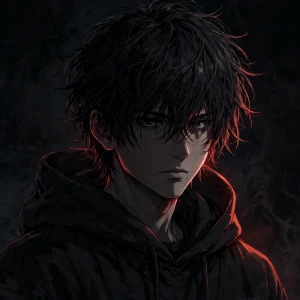
Dark anime PFPs are a popular choice, especially among anime fans and gaming communities.
You can use a character with dark clothing, dramatic lighting, glowing eyes, or a night-time background.
An anime image may look amazing when opened in full resolution, but the face can disappear when the image becomes a small circular PFP.
A close-up portrait is usually safer.
Keep the character’s face or main feature near the center and avoid putting important details close to the edges.
You do not need color to create a strong profile picture.
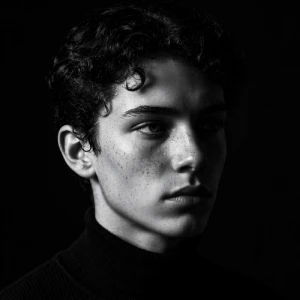
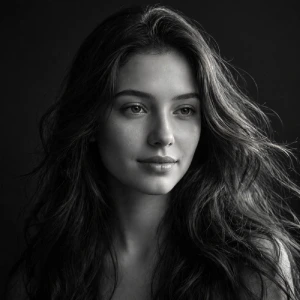
Black-and-white PFPs can look simple, mature, artistic, and easy to match with almost any profile theme.
Contrast matters here.
If everything is the same shade of grey, the image can look flat.
Instead, use a dark background with brighter highlights around the subject.
For example, a black-and-white portrait with light falling on one side of the face can create depth without needing extra effects.
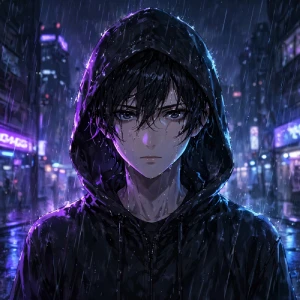
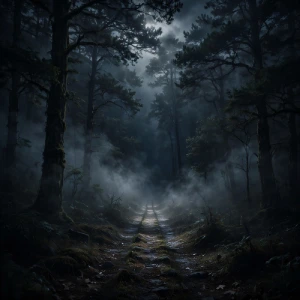
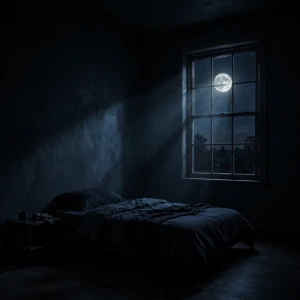
A dark aesthetic PFP is more about the mood than the character.
This is a good option if you do not want to use a face.
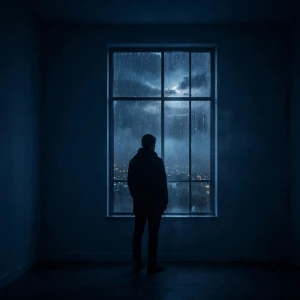
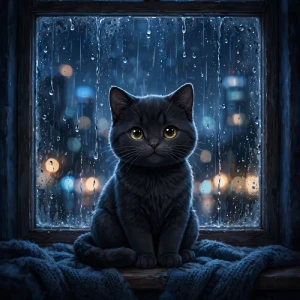
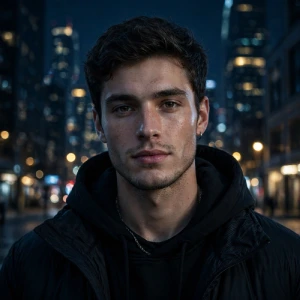
A rainy window, for example, gives a very different feeling from a horror character, even though both use dark colors.
When choosing a dark aesthetic image, think about the feeling you want people to get when they see your profile.
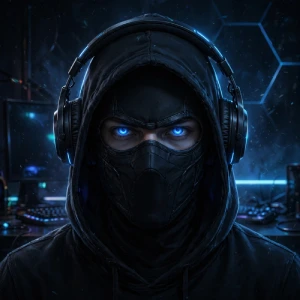
Gaming profiles are a natural place for dark avatars.
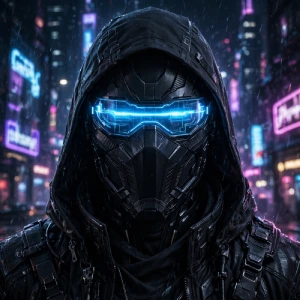
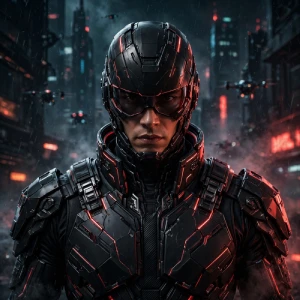
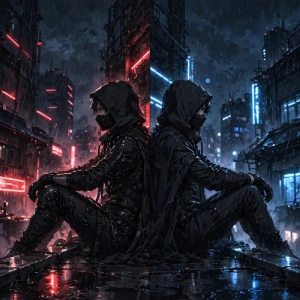
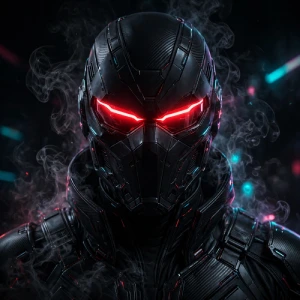
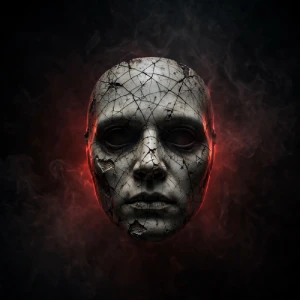
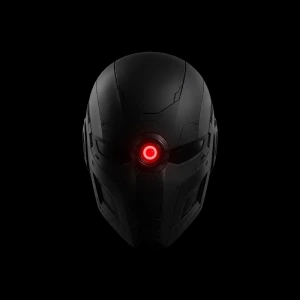
You can create a gaming PFP around a character, helmet, mask, futuristic design, or original avatar.
You do not need to add a lot of gaming elements.
A common mistake is adding multiple characters, logos, weapons, text, effects, and backgrounds into one tiny image.
That usually makes the PFP harder to recognize.
One strong character is often enough.
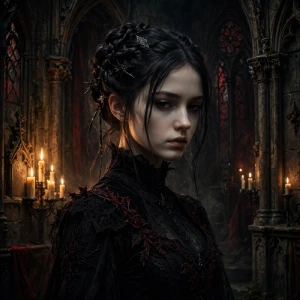
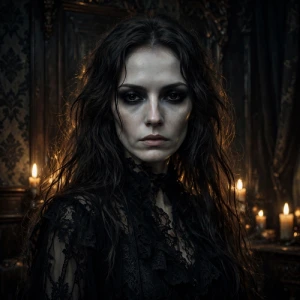
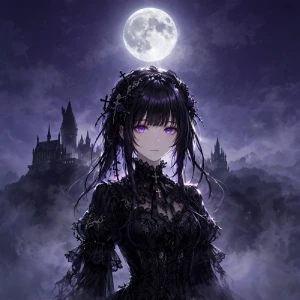
Gothic PFPs usually use black, grey, deep red, and similar darker shades.
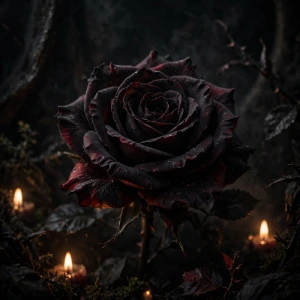
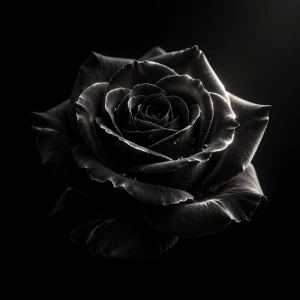
For example, a gothic portrait with a black rose can be more effective than a portrait surrounded by ten different objects.
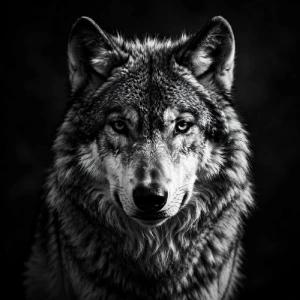
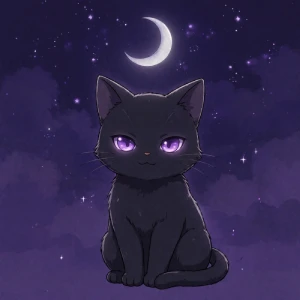
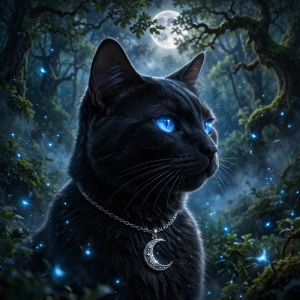
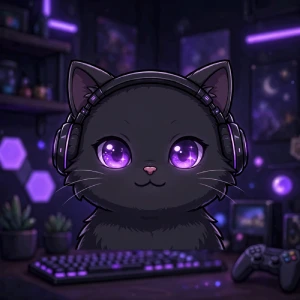
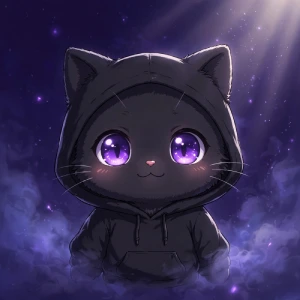
A black cat is an easy way to combine a cute subject with a dark aesthetic.
You could use a realistic cat or an anime-style character.
Matching PFPs do not have to be bright or overly romantic.
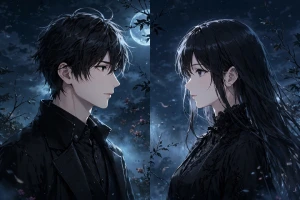
Dark matching profile pictures can work for couples, friends, gaming partners, or online communities.
For example, one image can show a character looking right while the second shows another character looking left.
When the two images are placed beside each other, they create a connected design.
Use similar lighting, colors, character styles, and backgrounds in both images.
Instagram profile pictures are displayed quite small, so clarity matters.
A circular crop can remove part of your original image.
Before uploading it, check how the image looks inside a circle.
Keep the face, eyes, logo, or main object away from the edges.
If the profile picture is for a creator account, you should also think about consistency. Using a similar profile image across Instagram, YouTube, TikTok, and other accounts can make your profiles easier to recognize.
Discord gives you more freedom with avatar styles.
If you are active in gaming or online communities, a recognizable custom avatar can be useful.
You can even create one original character and use different versions of it across your accounts.
For example, you might use a normal version on YouTube, a darker version on Discord, and a black-and-white version on Instagram.
The character stays recognizable while the style changes slightly.
TikTok profile pictures are also small.
This makes bold shapes and close-up portraits useful.
Avoid choosing an image where the character is standing far away.
At a small size, the person may become nothing more than a dark shape.
A close-up usually gives the viewer something recognizable.
WhatsApp PFPs can be more personal.
You can use a darker version of your own photo or avoid using your face altogether.
If privacy is important to you, an illustration or abstract image can be a simple alternative to using your own photograph.
There is no fixed rule for what a “boy PFP” should look like.
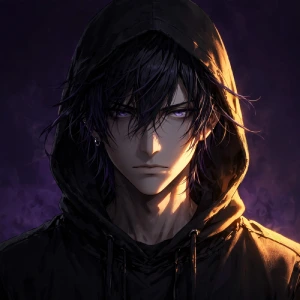
Still, some styles are commonly chosen for profiles with a serious, masculine, or streetwear aesthetic.
The expression also changes the feeling.
A neutral expression can look calm.
A serious expression can feel more intense.
A side profile can create a mysterious look.
You can also use lighting to change the mood without changing the character.
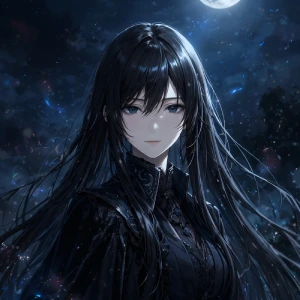
Dark profile pictures work just as well with feminine designs.
You do not have to make the image overly dramatic.
A simple portrait with good lighting can be enough.
A dark background with soft purple or blue lighting can also create a softer aesthetic instead of an aggressive one.
Dark does not always mean serious.
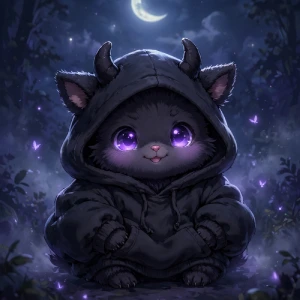
You can mix cute characters with darker colors.
This style works particularly well if you like the dark aesthetic but do not want your profile to look intimidating.
The contrast between a cute character and a dark setting can make the image more interesting.
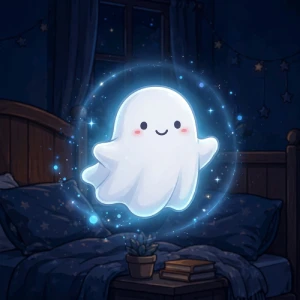
For example, a tiny smiling ghost floating through a dark bedroom can feel cute and mysterious at the same time.
If you want something more intense, you can use horror-inspired artwork.
But remember that profile pictures are small.
Extremely detailed horror artwork can lose its impact after cropping.
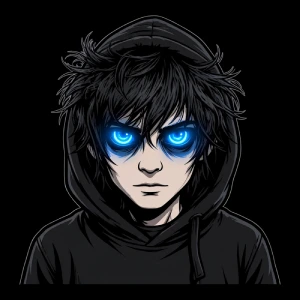
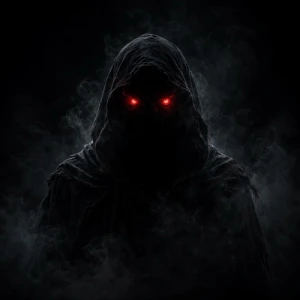
A simple shadow figure with two glowing eyes may work better than a complicated horror scene.
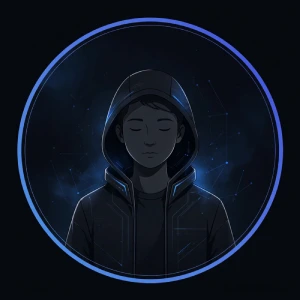
Minimal designs are easy to recognize.
This style is useful if you want your profile to look clean rather than busy.
It can also work well for creator accounts because a simple symbol can become part of your visual identity.
With so many options, choosing one can actually become difficult.
I recommend starting with one simple question:
If the answer is mysterious, look at silhouettes, shadows, and night scenes.
If you want something cool, try anime, gaming, or cyberpunk artwork.
If you want something simple, choose a monochrome portrait or minimal symbol.
If you want something cute, combine a dark color palette with a cute character.
If you want something serious, a black-and-white portrait can work well.
And if you are building a creator account, think about whether the image will still represent you six months from now.
Do not choose a PFP only because it looks good when opened in full size.
Make it small.
Look at it from a distance.
Check the circular crop.
Can you still tell what the image shows?
If yes, it is probably a good candidate.
Good Contrast
The subject needs to separate from the background.
If both the character and background are completely black, the face may disappear.
A small highlight around the face, hair, or shoulders can solve this.
Clear Subject
A viewer should understand the main subject quickly.
This is especially important on social platforms where the PFP can be only a few pixels wide on some screens.
Simple Composition
Avoid putting too much into one image.
One main character is usually enough.
You can add one supporting element, such as a moon, rose, neon light, or simple background.
Strong Lighting
Dark does not mean everything should be black.
Use highlights and shadows to create depth.
Blue, purple, red, or white lighting can work well against a dark background.
Correct Crop
Keep the important part of the image in the center.
If the eyes or face are near the edge, a circular crop may cut them off.
Good Image Quality
Start with a high-quality image.
A blurry screenshot may look acceptable on your phone but become noticeably worse after uploading.
Usually, I would avoid it.
Text becomes difficult to read when the image is displayed as a small circle.
If you really want to use a letter or short name, keep it large and simple.
One initial can work.
A full username usually will not.
If branding is important, a separate logo or banner is generally a better place for text.
1. Using a Blurry Image
A screenshot from a low-quality video may not work well.
Start with a clear image whenever possible.
2. Making Everything Black
Dark does not mean completely black.
You still need some contrast.
3. Adding Too Much Text
Small text becomes difficult to read.
Keep text minimal or leave it out.
4. Using Too Many Effects
Smoke, flames, particles, glow, lightning, and other effects can quickly make the image messy.
One or two effects are usually enough.
5. Putting the Face Near the Edge
Circular cropping can remove part of the face.
Keep important details toward the center.
6. Choosing a Full-Body Character
A full-body image can look great in a large square but become difficult to recognize as a tiny PFP.
A close-up is often better.
7. Using Too Many Characters
Multiple characters can make the profile picture confusing.
Pick one main subject unless you are specifically creating a matching design.
8. Copying Another Creator
Your PFP should not make people think you are another creator.
Create something that fits your own identity.
A good dark PFP does not need to be complicated.
In fact, simple designs often work better because profile pictures are displayed at a small size.
Start with one clear subject.
Give it enough contrast.
Keep the important details near the center.
Then choose colors that fit the mood you want.
If you want something mysterious, try a silhouette or shadowed portrait.
If you are an anime fan, a dark anime character can work well.
For gaming, try a masked character, cyberpunk avatar, or dark warrior.
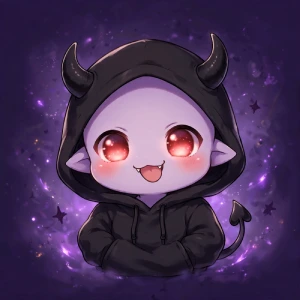
If you want something cute, a black cat, tiny ghost, or chibi character can give you the dark look without making your profile feel too serious.
And if you want something very simple, you can always go with a black-and-white portrait or a minimal symbol.
Personally, I think the best test is surprisingly simple.
Make the image very small.
If you can still recognize the face, character, animal, or symbol, the design is doing its job.
A dark PFP is not just about using black.
It is about the mood, lighting, subject, and overall composition.
Choose something that feels like your profile rather than choosing an image simply because it is trending.
A clear subject, good contrast, suitable cropping, good image quality, and a simple composition usually matter more than adding lots of visual effects.
A clear subject, good contrast, suitable cropping, good image quality, and a simple composition usually matter more than adding lots of visual effects.
A square image is the safest format for most profile pictures. The exact recommended resolution can vary between platforms, so check the platform’s current upload requirements before exporting your final image.
This can happen because of image compression, a low-resolution original, or repeated editing and saving. Start with a high-quality image and avoid enlarging a small image too much. Also, export the final version once rather than repeatedly saving and re-editing it.